
Author: Aditya Pareek | EQMint | Newswire
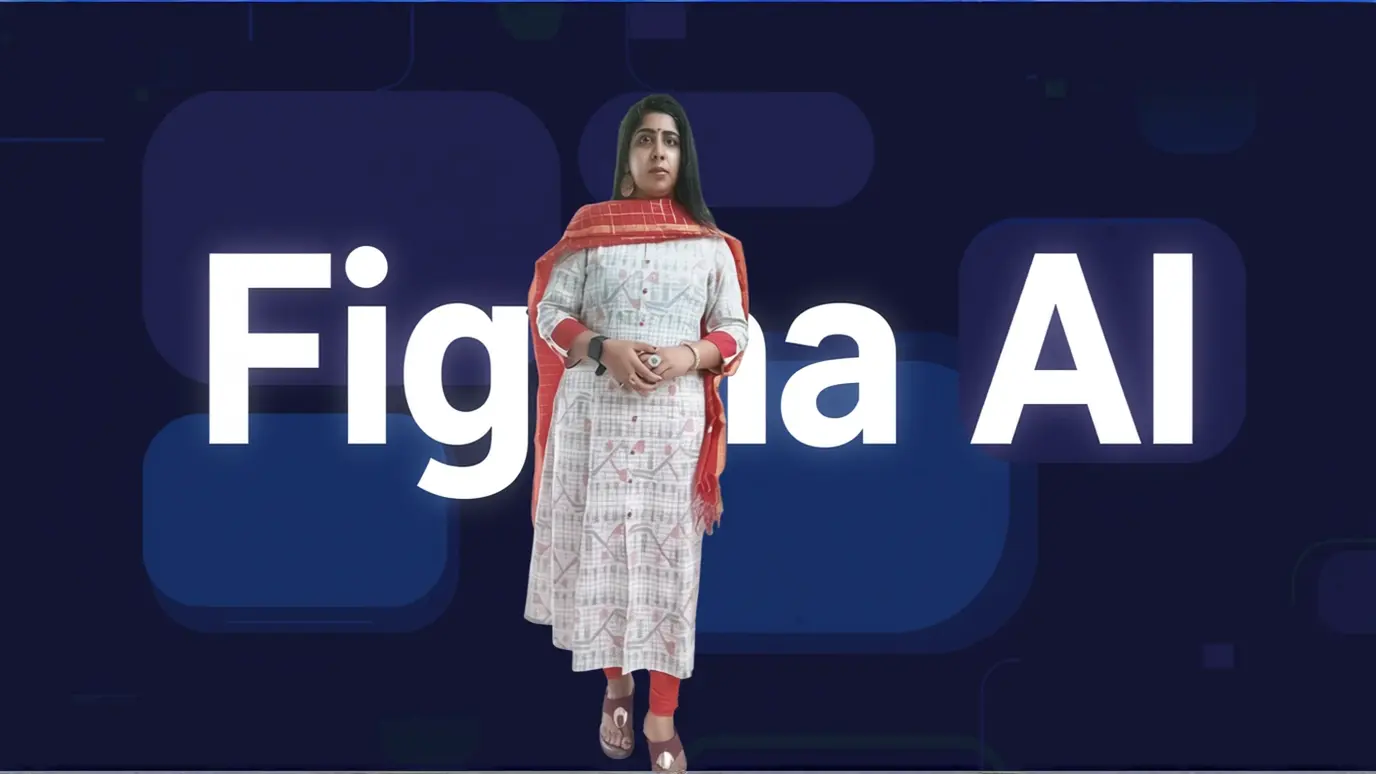
AI in Figma streamlines and enhances the design process by automating common tasks, generating ready-to-edit layouts, and offering smart design suggestions with its built-in AI toolkit and plugins. Figma’s AI features help both beginners and experienced designers deliver faster, more professional results.
Key Features of Figma AI
-
- First Draft Generation: Create entire screens by providing a simple description prompt. The AI builds UI designs for apps, websites, or wireframes that you can immediately customize.
-
- Smart Duplication: Instantly generate content variations in auto-layout lists or grids by dragging and letting AI maintain design consistency.
-
- Text and Image Enhancement: Select any text for translation, tone adjustment, or summarization. Generate images based on custom prompts that match your desired styles or brand guidelines.
-
- Visual Search and Layer Renaming: AI helps locate matching design assets visually and can automatically rename layers based on context and content, saving time on repetitive organization tasks.
How to Use AI in Figma
-
- Access Figma AI features via the Actions menu in the Figma interface or by using hotkeys (⌘+K / Ctrl+K).
-
- Select from templates like “Basic App” or “App Wireframe,” enter a prompt (e.g., “E- commerce site for shoes”), and let AI generate layouts and components.
-
- Further tweak generated results using manual controls—refine spacing, switch themes, and update visual styles.
-
- Apply AI to text elements for instant corrections, translations, or tone adjustments. Use AI-powered “Fill” options to generate images or patterns within your designs. [2][5]
-
- Export your finished design to production-ready code, such as HTML, CSS, or React, with the AI-powered “Generate Code” tool.
Benefits of Using AI in Figma
-
- Rapid prototyping and iteration for UI/UX projects.
-
- Automation of repetitive tasks like layer renaming and image generation.
-
- Access to predictive design suggestions and trend analysis for smarter decision- making.
-
- Seamless transition from design to code, supporting collaboration between designers and developers.
For more such updates visit EQMint
Disclaimer: This article is based on information available from public sources. It has not been reported by EQMint journalists. EQMint has compiled and presented the content for informational purposes only and does not guarantee its accuracy or completeness. Readers are advised to verify details independently before relying on them.